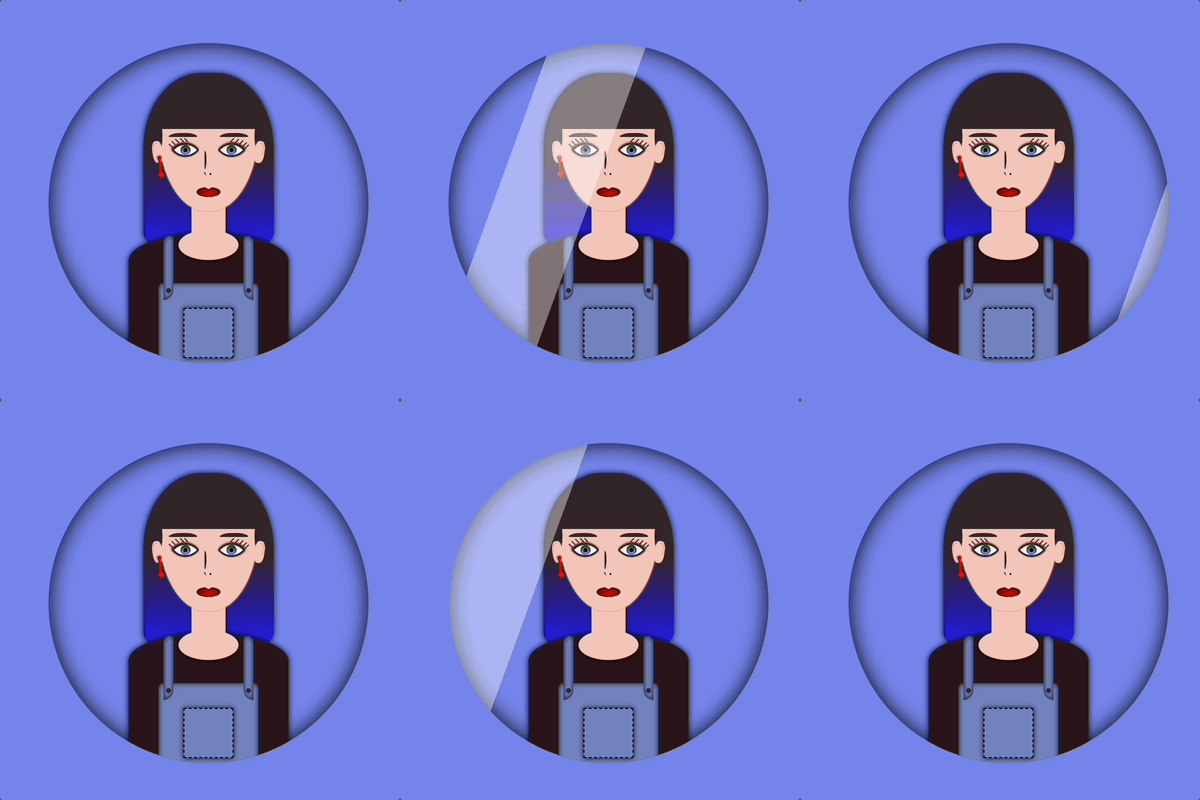
CSS in motion! Another perfect title for this post, as CSS is no longer just a language to style static pages, but also to elevate them with animations. CSS entered a new era and has grown into a clever tool that brings digital interfaces to life through movement. It began to shine, showing its full potential and ultimately becoming part of the experience, not just the look.
CSS properties for movement
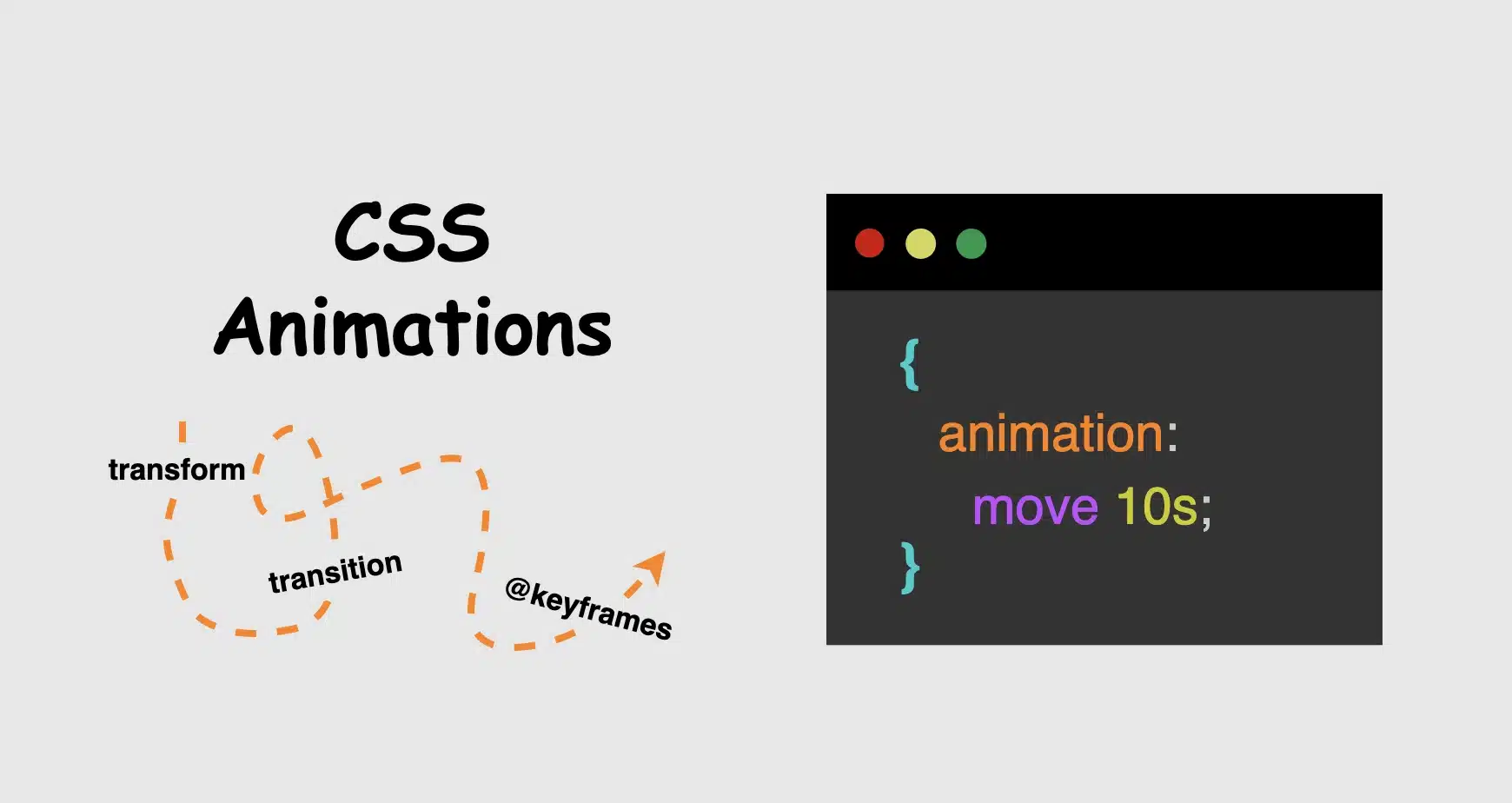
Now, time to focus on where CSS credits its upgrade. Utilizing the following properties: transform, transition, animation and @keyframes, elements can scale, slide, fade, spin and move through time all without a single line of JavaScript. Today, we’ll focus on understanding how these properties create such amazing visual feedback. We’ll take a step back from the code and examine these features from a more theoretical perspective: what they mean, how they influence behavior, and why they play such a crucial role in modern design. So, let’s zoom in! 🧐
Transform CSS property
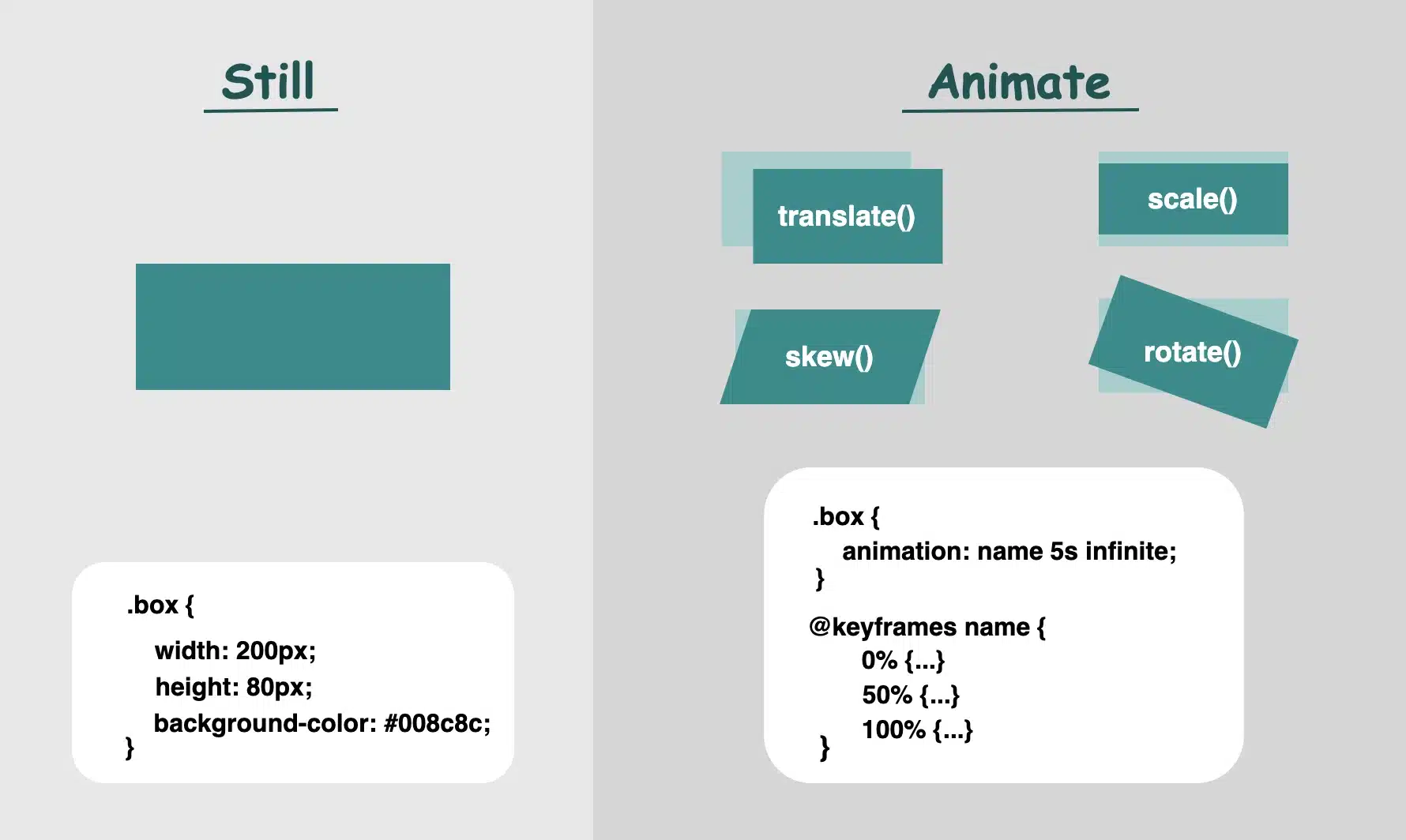
It applies 2D or 3D transformations 🛠 to an element. It can change the size, rotation, position, and shape. Values:
scale(): Resize elements – making them smaller or bigger depending on our preferences (use unitless numbers).
skew(): Slant elements (use deg, which stands for degrees).
translate(): Move elements (use length units like: %, px, rem, etc.).
rotate(): Spin elements (use deg, like skew).
📌 Depending on our needs and preferences, we are free to make combinations with the above values.
perspective(): Creates a 3D effect, giving the elements a sense of depth.
matrix(): Creates 2D transformations. It provides a streamlined approach for applying scaling, skewing, translation, and rotation through a unified matrix. (a mathematical representation – transform: matrix(a, b, c, d, e,f) – that combines the first three transformations into a single matrix. If you want to include rotation as well, you would replace a, b, c, and d with the appropriate cosine and sine values for the desired rotation angle, while keeping e and f for translation.)
It animates changes in property values over time ⏳ and smoothens the transition between two stages (e.g. on hover, focus) Values:
transition-property: What property will animate (e.g. transform, opacity)
transition-duration: How much time does the transition take to complete (e.g. 0.4s, s stands for seconds, we are free to use ms too, for milliseconds)
transition-timing-function: Define the speed curve (ease, linear, ease-in, ease-out, ease-in-out)
transition-delay: The time you wait before an animation starts (s and ms, similar to animation-duration). Its default value is 0s, which means the transition will start instantly.
Define intermediate states of an animation 📽 series. Breaks the animation into episodes 🎬, like “first episode, look like this,” “second episode, change to this,” “third episode, change to that,” and “final episode, finish like that.” Each episode represents a point in the timeline where the property-value changes (opacity, rotation, color, etc.). Values:
From / To : Timeline positions
Percentages % : Timeline positions
📌 Each one represents a property-value pair that defines the appearance at a specific moment
It runs 🎞 a full animation based on the @keyframes you have defined. Unlike the transition we mentioned above, which moves from one point to another, animations can have many points ⏱ and follow more complex timing rules. Values:
name: the identifier of the @keyframes rule
duration: for how long it moves
time-function: how the speed flows
ease: it gives a smooth motion, starts slow, continues faster, and ends slow again (which is the default value)
linear: it has the same speed all the way
ease-in: it starts slow, then it speeds up
ease-out: it starts fast, then it slows down (Suitable for hover effects 😎)
ease-in-out: starts slow, in the middle spreads up, then slows down again
delay: if the animations begin immediately or with a delay
a value of 0s (seconds) indicates it starts as soon as it’s applied (which is the default value)
a positive value that it will start after a set amount of time (e.g. 2s, which means it will start 2 seconds later)
a negative value that starts straightforward but acts like it has already begun (e.g. -2s the animation won’t wait — it’ll jump in as if it had already been playing for 2 seconds. This can be very helpful if you want animations to be already in motion when the page loads. 😎)
iteration-count: how many times to repeat (infinite, 1, 2, ech)
direction: in which direction the animation moves
normal ➡ the animation moves forward (which is the default value)
reverse ⬅ the animation moves backward
alternate ➡ ⬅ first forward, then backward
alternate-reverse ➡ ⬅ ➡ first forward, then backward, then again forward
fill-mode: shows how the element should look like before the animation starts or after it ends. You have the option to freeze the first or last frame so it doesn’t snap back (➡ forwards, ⬅ backwards). The default value is none, which means it does not apply any styles to the elements.
play-state: control if the animation is running or paused, like play ▶ or pause ⏸ buttons (running, paused)
📌 For an animation to actually play, we need to utilize only the: animation-name, animation-duration and the @keyframe. All the other CSS properties are optional.
When creating content for the web, even the smallest detail can significantly alter how something appears. The experience of bringing elements to life is amazing! It doesn’t need to be dramatic or complex. A simple yet well-structured and strategically placed change at the right moment can make everything more connected, useful and realistic.
🌼 Hope you found my post interesting and helpful. Thanks for being here! 🌼
Hi there! You’re aware that the web 🕸 wasn’t always like it is today? Websites were like digital 📰 posters – just text and images. A page loads, and no changes occur. Static design had the reins. No movement, no glow! 🤹♀️ ✨ Everything remained visually frozen. 🧊 🥶 CSS was only a tool to decorate that static content and make some improvements, such as selecting a font, changing colors, adding a border or a margin.
As time went on, browsers improved, and users began to expect more. That’s when CSS started to shine and show the way from static pages to fluid experiences! With features like transition, transform, animation, and keyframes, the focus shifted from how things looked to how they can pulse and move in time. Dynamic design is finally here! CSS became a language capable of transforming static HTML elements into dynamic 🧨 ones.
Motion matters. It allows users to feel when something changes and witness how elements react. It’s a way of communication, 🔊 not just decoration. With only CSS, designers can craft these interactions. Creating animations that ‘rotate‘, ‘skew‘, scale‘ or ‘shift‘ position suggests ongoing system activity. A sliding menu, like a ‘hamburger icon‘, reveals categories, indicating that navigation continues beyond the current view. A spinning icon, after a user clicks ‘Submit’ or ‘Save’ on a button, signals that a process is loading. A button that gently fades in and out on hover – labeled ‘Sign Up‘ – asks for interaction. A fading alert, such as ‘Connection lost‘ or ‘Download has failed, retrying‘, quietly suggests that the message is temporary. Even a ‘scale-up‘ focusing on an image can reveal that it is active. CSS became a must to represent progress and maintain users’ attention.
Of course, as with everything, setting boundaries is essential. Many times action can cause confusion and make users feel distracted or, even worse, rushed. Not every interface needs to include movement. Sometimes, picking stillness is the best choice. Valuable designs recognise when to pause!
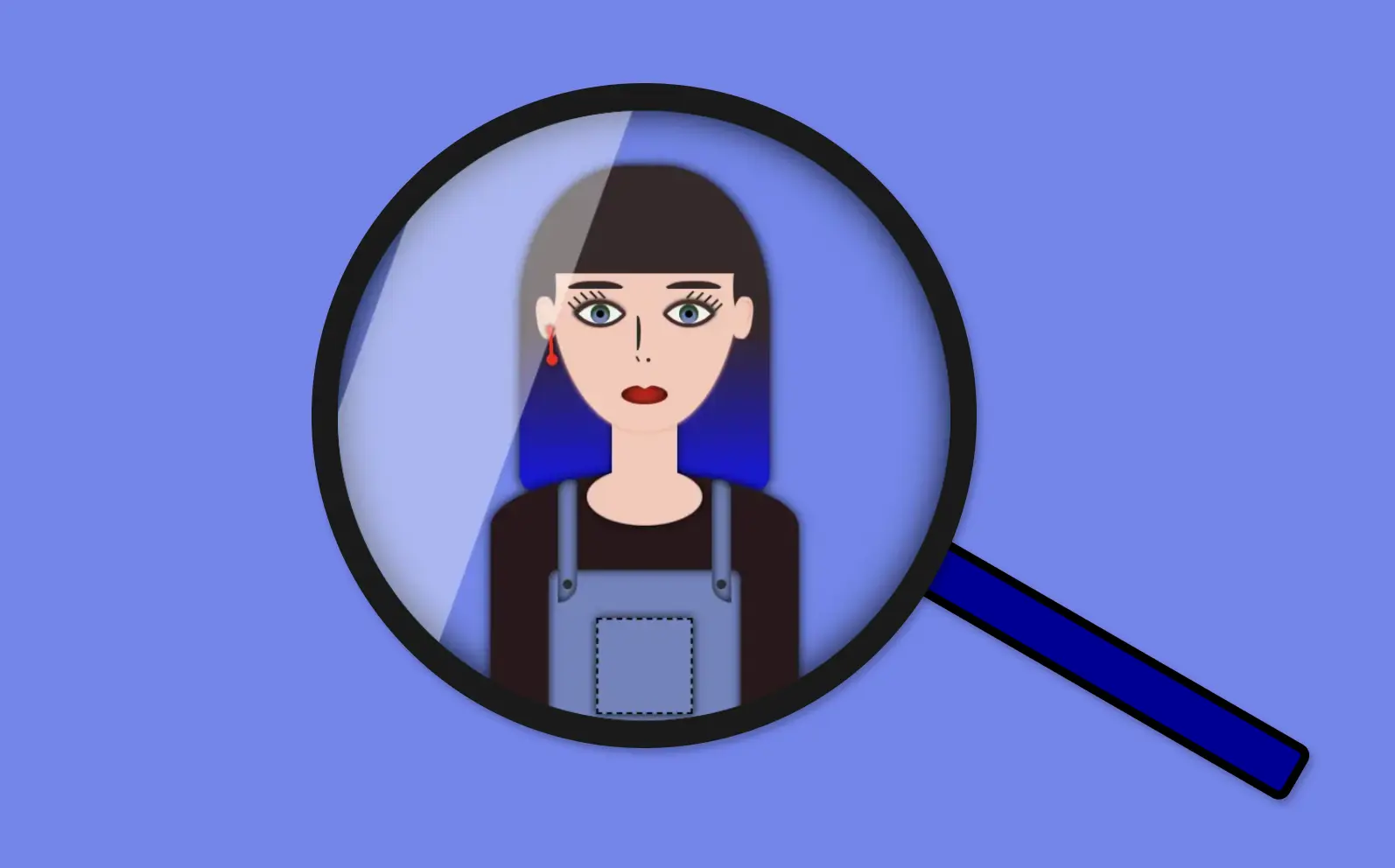
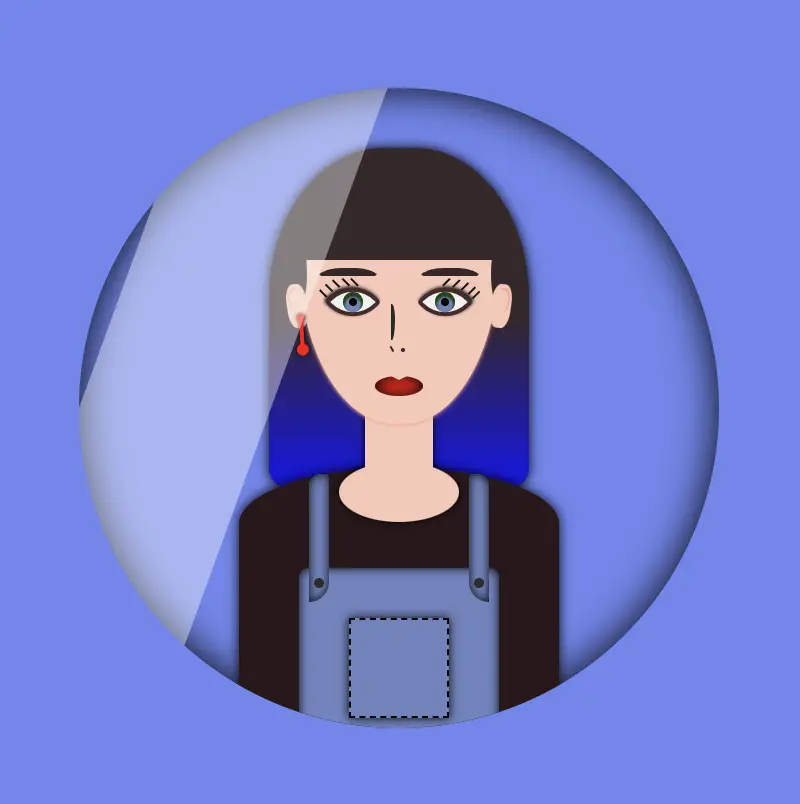
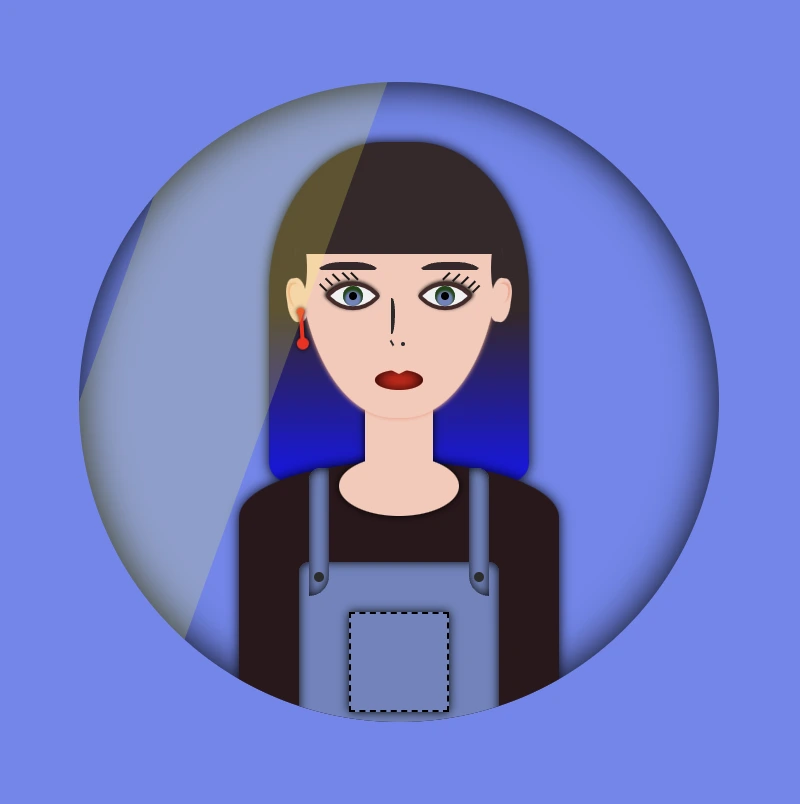
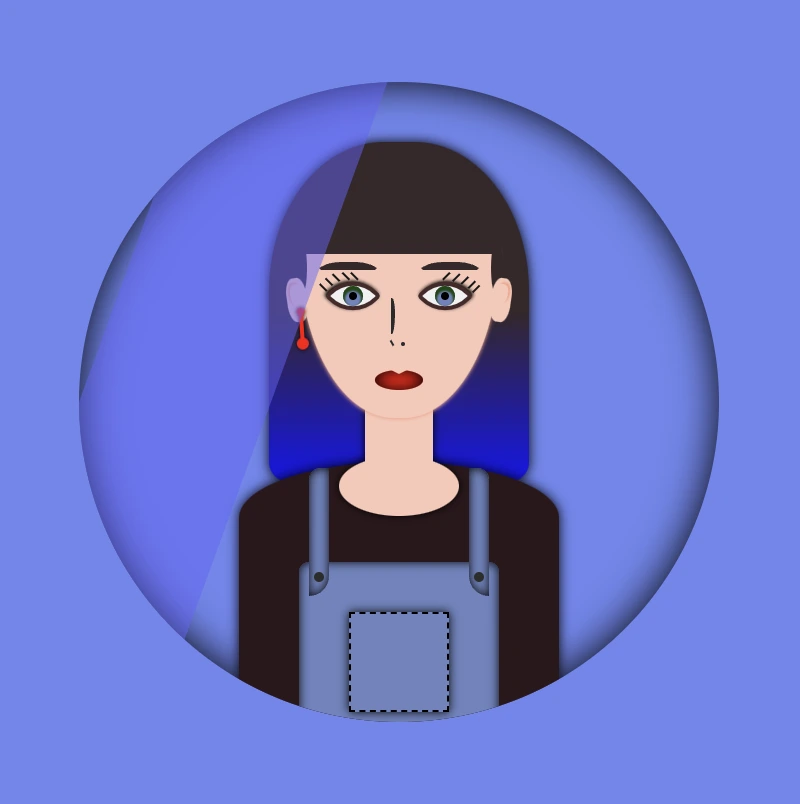
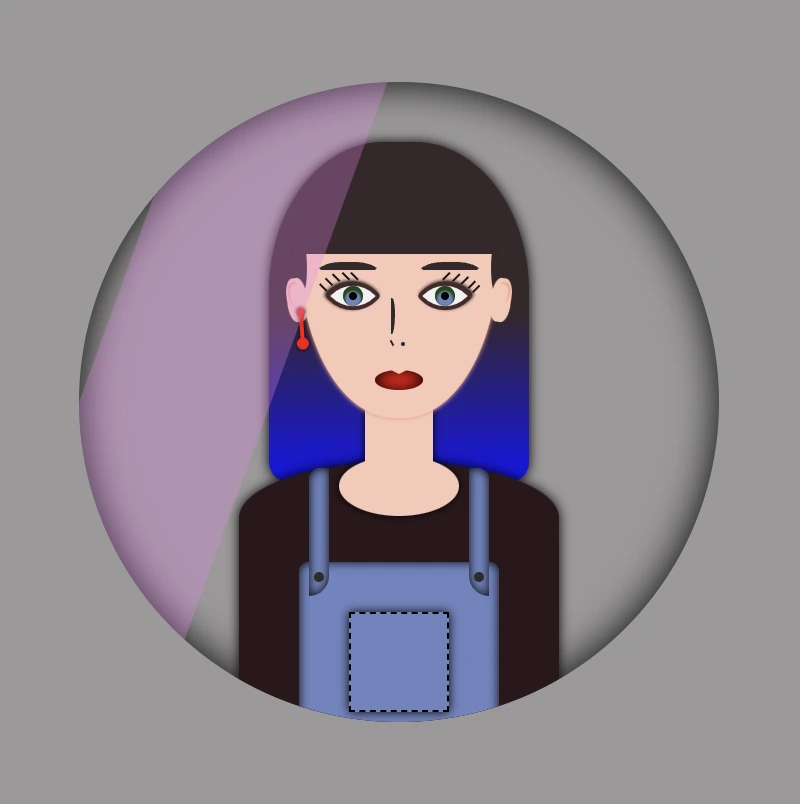
Welcome to this post! Today, I will share with you how to create a fascinating CSS shine effect animation. To make it more interesting and attractive, I have already prepared an avatar (using only HTML and CSS) and added the animation to it. If you’re curious about how I made the avatar, you can find the complete avatar code at the end of this post. Please feel free to enclose it in your animation if you wish. Remember, the most important thing is to have fun and let your creativity shine. 😉 ✨
For the moment, let’s focus on making this astonishing animation!
HTML structure
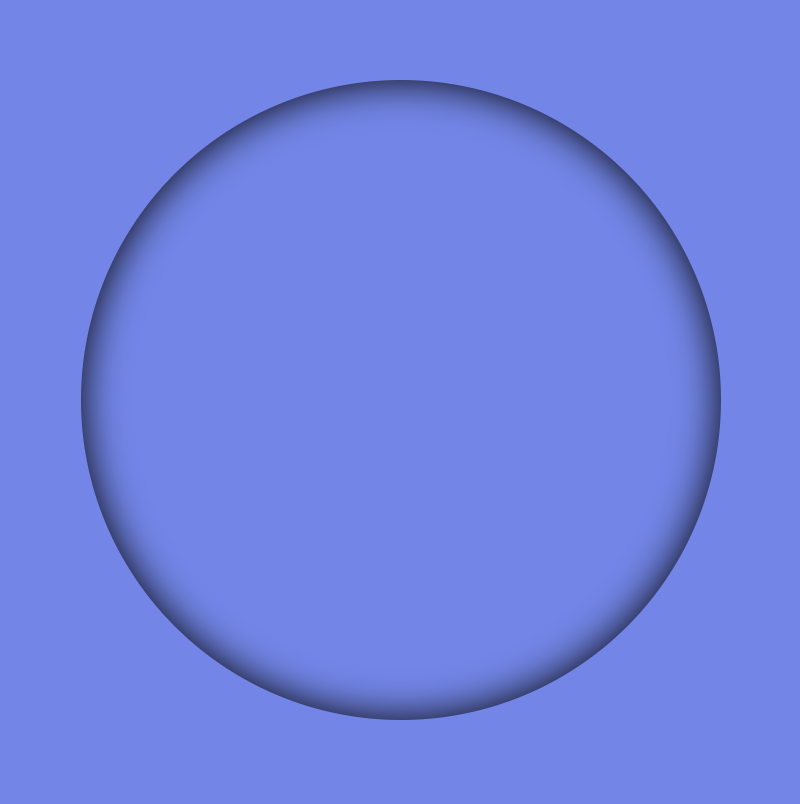
To begin, we need to create the base for our project by adding the HTML structure. We’ll start by creating our avatar-container , which will serve for our manipulations. I will carefully guide you through the following steps to achieve the desired results. Once we have a good structure in place, we can build upon it our CSS shine effect.
<divclass="avatar-container"> ... Here goes my avatar</div><!-- end of avatar-container -->
HTML
CSS basic structure
Moving forward, let’s focus on organizing our project’s visual appeal by adding the CSS structure. Our first step will be to center the avatar-container on the screen, therefore, we can take advantage of the display: flex property of the body element. This will help us align it along the horizontal and vertical axes, creating a perfectly centered layout. With this basic structure in place, we can then proceed to add styles and create everything we have in mind. 😊
In order to place the avatar inside the container, it is essential to set it position: relative. Then we can place the components we want to include for our avatar, just by adding position: absolute to them.
.avatar-container {position: relative;min-width: 320px;height: 320px;background-color: transparent;box-shadow: inset0020px;border-radius: 50%;} /* end of avatar-container */
SCSS
CSS Shine Effect
All the necessary preparations have been completed. Let’s now move forward and make the shine 🥳 effect.
Create the shine
Firstly, we use :before pseudo-element which allows styling specific parts of an element without adding extra content to HTML. It behaves as a child of the chosen CSS element. In our case, avatar-container takes extra data only by using :before CSS property.
Next, we set width: 30% and height: 100% as this is a proper space in our example.
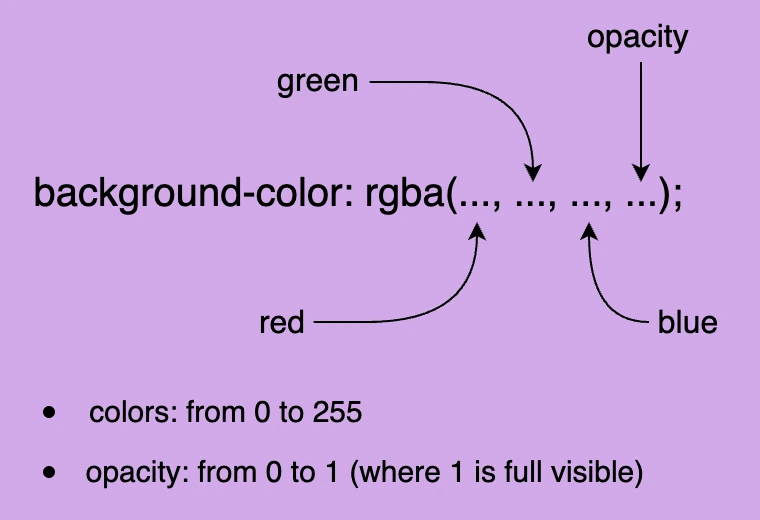
We also set background-color: rgba(255, 255, 255, 0.4) as it is the most suitable for the CSS shine effect.
We continue with z-index which overlaps the stack order of an HTML element. In simple words, it manages which HTML element should appear on top of others. The higher the stack order, the higher the element will be placed at the top of the stacking order. A really useful CSS property that is responsible for layering. To achieve the desired effect over my avatar, I have specified a z-index: 4 as my avatar has multiple layers. Without multiple layers applied to it (in simple words without the avatar), z-index CSS property is not necessary. It’s good practice when we use z-index to count close numbers. We can set positive and negative integer values.
.avatar-container {position: relative;width: 320px;height: 320px;background-color: transparent;box-shadow: inset0020px;border-radius: 50%;overflow: hidden;&:before {position: absolute;content: "";width: 30%;height: 100%;background-color: rgba(255, 255, 255, 0.4);transform: skewX(-20deg);left: -120px;z-index: 3; } /* end of before */ } /* end of avatar-container */
SCSS
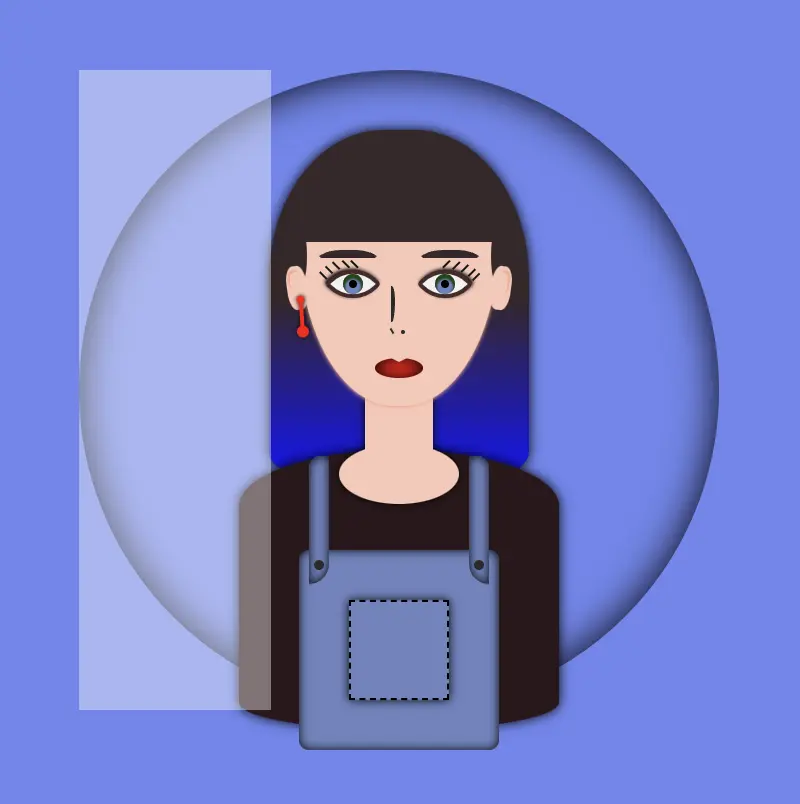
The image below displays a preview of the code mentioned above.
Transform the CSS shine effect
Afterward is necessary to add overflow: hidden to avatar-container, as we want to hide the content that flows over our container’s bounds.
We continue with transform: skew as a way to add inclination to our shine.
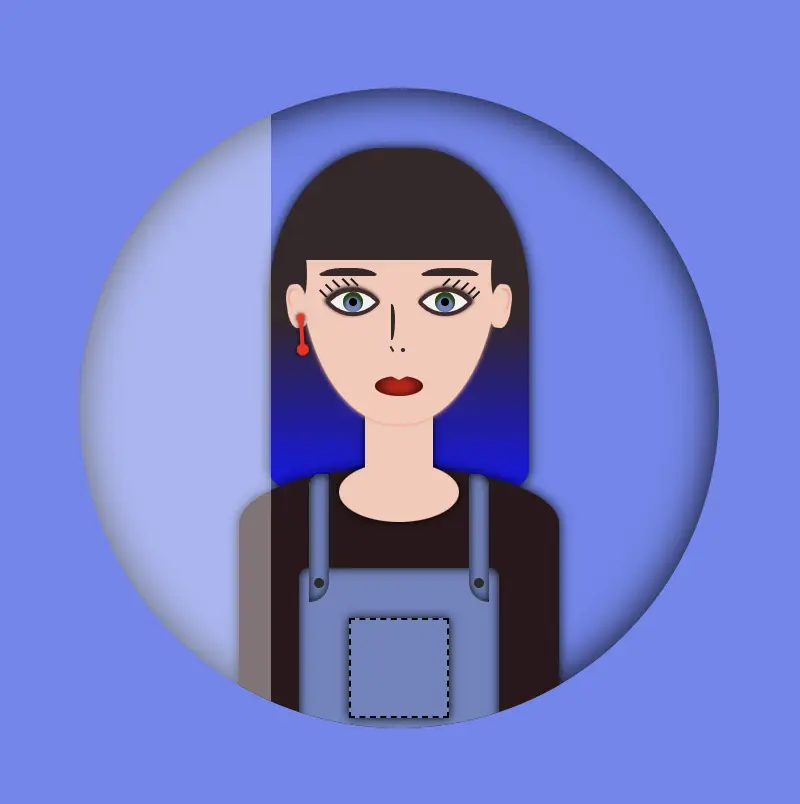
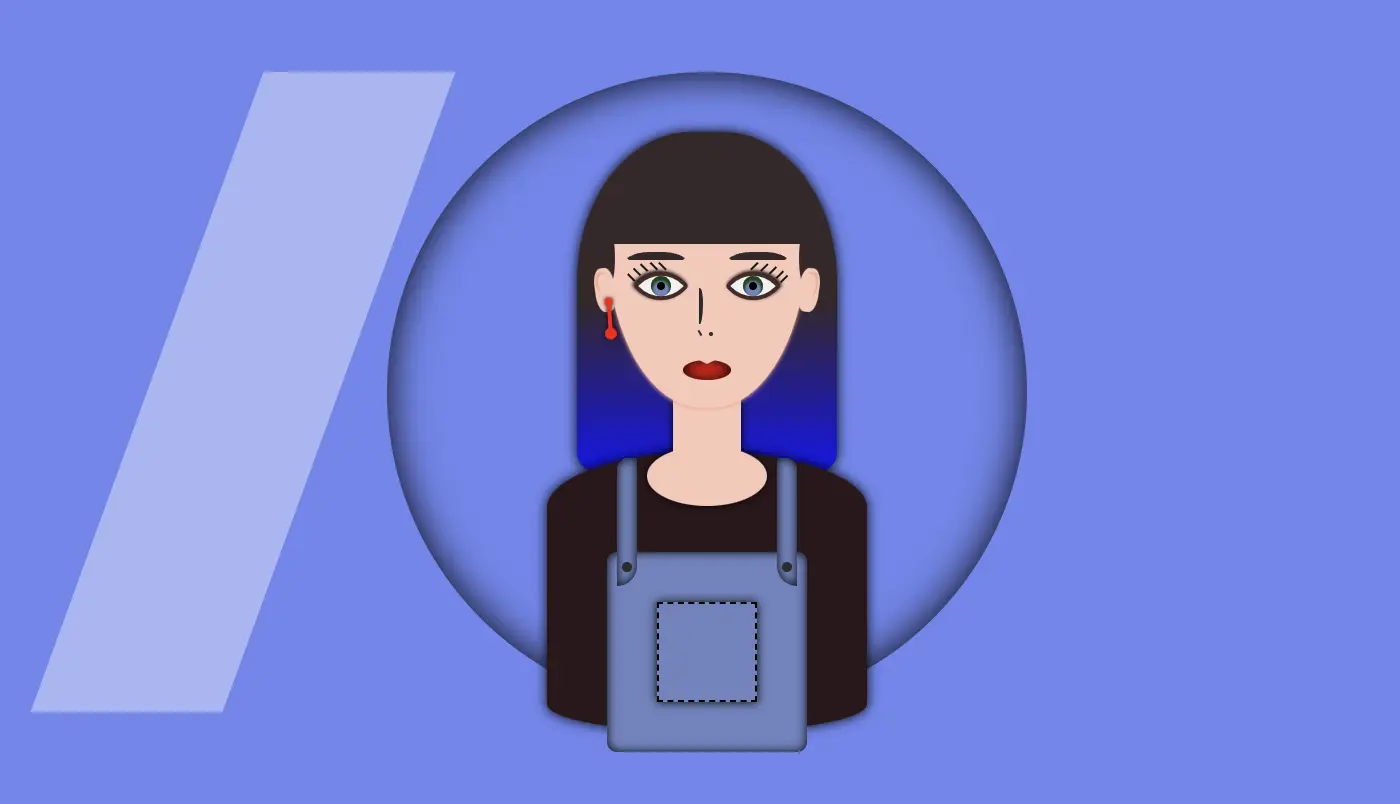
Finally left: -120px keeps our effect in the appropriate place, -120px left out of the avatar-container , in order to be invisible. As we previously used, overflow: hidden anything outside of the avatar-container is not visible, that’s why in this pick, below, we can’t see our effect. It’s still there though! 😄
HINT
💡 Well, maybe at this point it might be a good idea to temporarily disable the CSS property overflow: hidden and observe the current position of the effect. By doing so, one can see if the effect is working as intended and make any necessary adjustments. The effect is now positioned -120 pixels to the left, as this is the starting point from where the effect will begin to move.
Create an animation for the CSS shine effect
To finalize my work, firstly, I’m adding the animation CSS property animation: <animation-name> <animation-duration> <animation-iteration-count> which is responsible for the way our animation behaves.
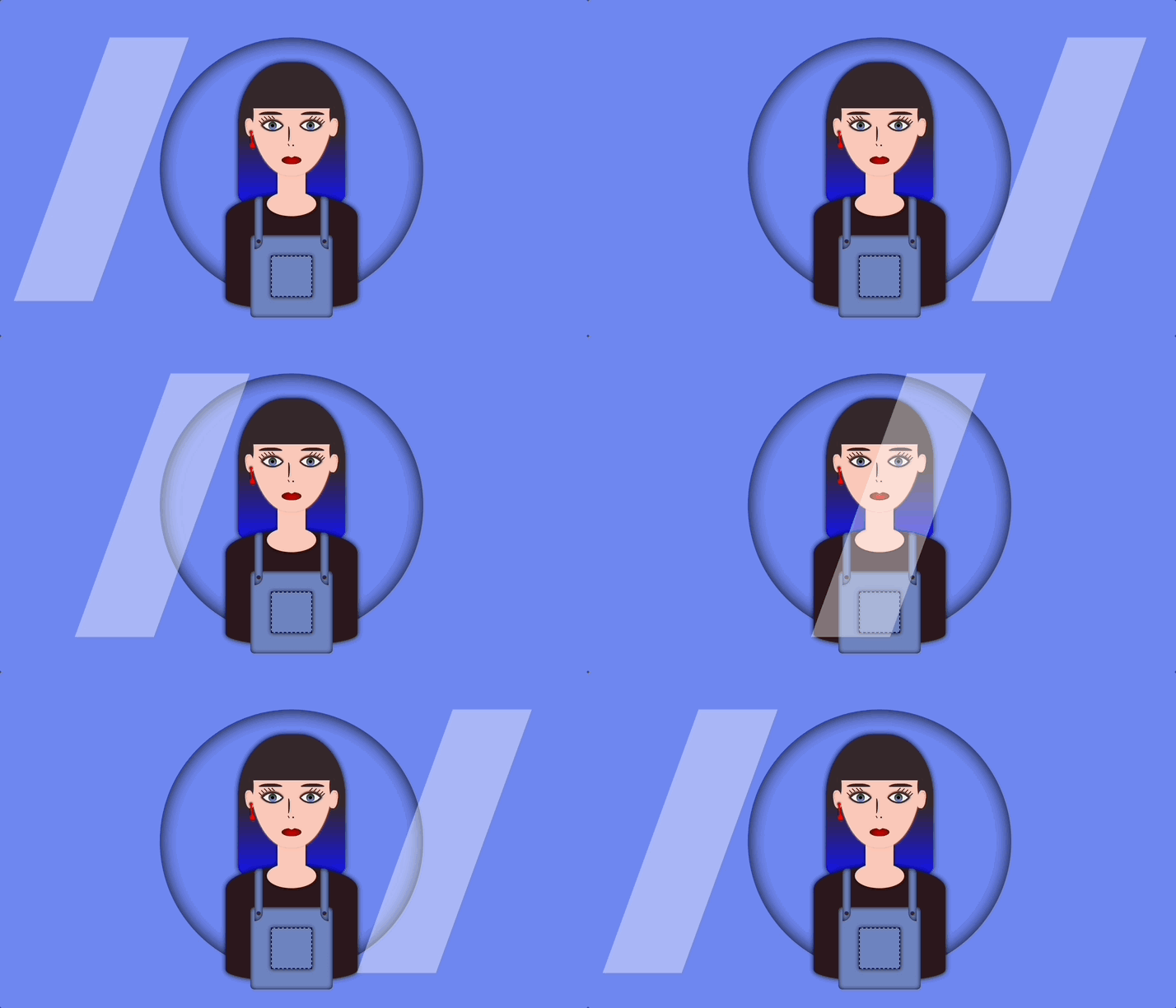
Secondly, I add CSS @keyframes which is used to control the style of the animation at different points in time. In this post, we want our shine to move rightwards, starting from -120px left to 350px left and then turning back to -120px left again.
By combining these 2 properties we end up having the desired animation result, that is, moving our shine every 5 seconds, forever (infinite), from -120px to 350px and back.
🚫 It is required to connect these two properties. We do so by giving a name to the @keyframes and putting the same name on the animation property. In our case, this name is “shine”.
.avatar-container { ...&:before { ...animation: shine 5sinfinite; } /* end of before */} /* end of avatar-container *//* My animation */@keyframesshine {0% {left: -120px; }50% {left: 350px; }0% {left: -120px; }}
SCSS
💡 If you want to see the whole move of the CSS shine effect you can once again disable the CSS property overflow: hidden to avatar-container and observe the effect. Isn’t it great? 😄
🔖 Please be informed that you have the flexibility to modify the background-color: rgba(..., ..., ..., ...) CSS property at any point to adjust both the color and opacity of your shine effect. In this context, I have chosen to generate a grey shine, as this shade is widely recognized and utilized.
Container’s color -> background-color: #c4c0c0 (grey)
Complete avatar code
Below, I include my HTML and CSS avatar code.
<divclass="avatar-container"><divclass="hair-long"></div><divclass="face"><divclass="ear ear--left"><divclass="earing earing--left"></div></div><divclass="ear ear--right"></div><divclass="hair-front"></div><divclass="eyebrow eyebrow--left"></div><divclass="eyebrow eyebrow--right"></div><divclass="eye eye--left"><divclass="eyelash eyelash--left"></div><divclass="eyelash eyelash--left1"></div><divclass="eyelash eyelash--left2"></div><divclass="eyelash eyelash--left3"></div><divclass="eyelash eyelash--left4"></div></div><!-- end of left eye --><divclass="eye eye--right"><divclass="eyelash eyelash--right"></div><divclass="eyelash eyelash--right1"></div><divclass="eyelash eyelash--right2"></div><divclass="eyelash eyelash--right3"></div><divclass="eyelash eyelash--right4"></div></div><!-- end of right eye --><divclass="nose"></div><divclass="lips"></div></div><!-- end of face --><divclass="body-avatar"><divclass="neck"></div><divclass="t-shirt"></div><divclass="dungarees"><divclass="pocket"></div><divclass="strap strap--left"><divclass="button button--left"></div></div><divclass="strap strap--right"><divclass="button button--right"></div></div></div><!-- end of dungarees --></div><!-- end of body --></div><!-- end of avatar-container -->